WorkflowMax
Product Design
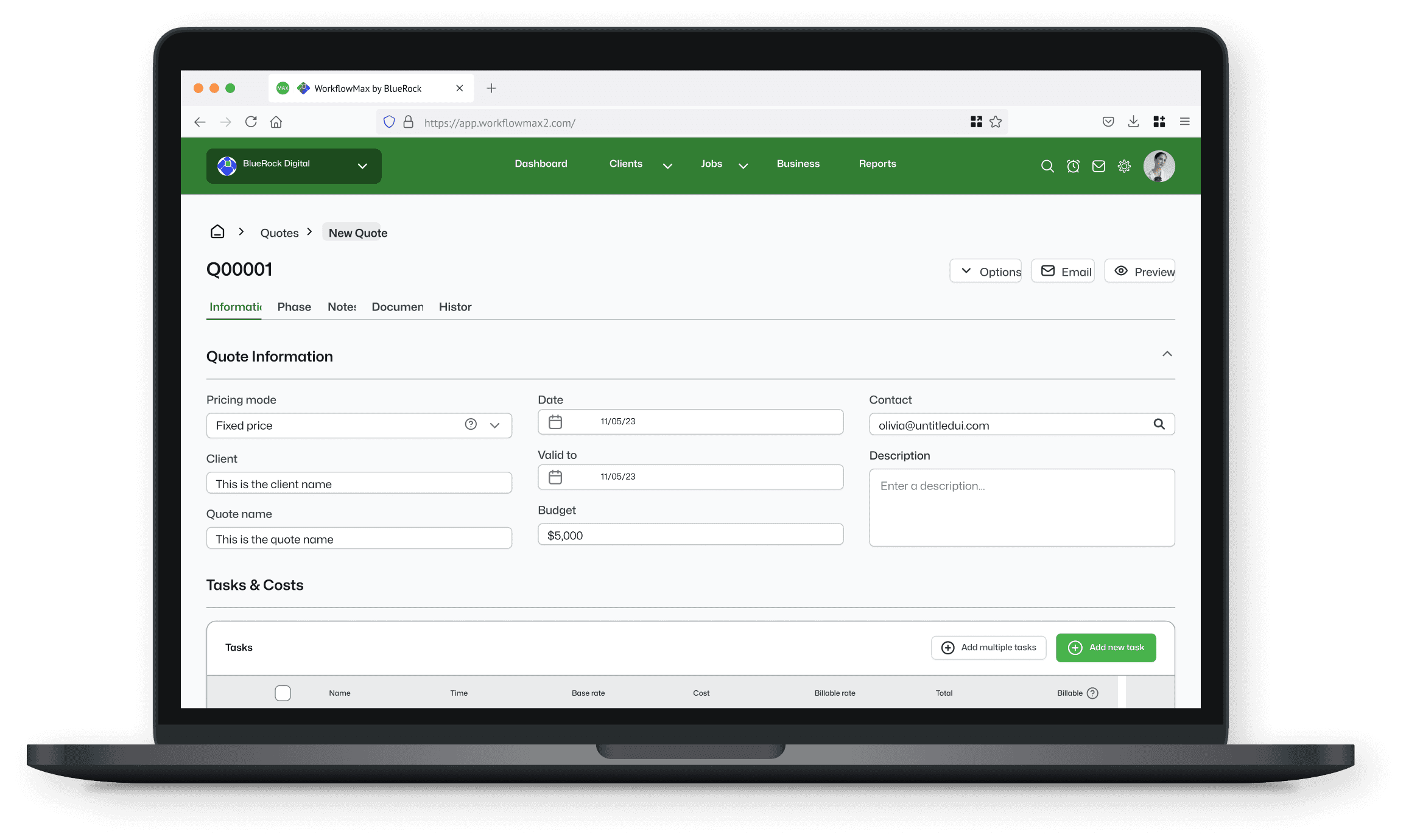
Project overview

WorkflowMax is a cloud-based job management software designed primarily for small-to-medium-sized businesses. The software offers a suite of features that streamline project management, time tracking, job costing, invoicing, and reporting. This allows users to effectively collaborate, monitor project progress, allocate resources, and ensure timely delivery of projects.
Previously owned by Xero, BlueRock (my employer) acquired a product that had seen minimal investment for several years, giving us a ground-up redesign brief with an existing and vocal user base.
The problem
WorkflowMax users were spending too much time on basic tasks, navigating a clunky UI built on years of neglect under previous ownership.
Project goals
Redesign the existing platform and provide an elevated experience without alienating the loyal user base
5,000 migrations of existing users to the new version before the legacy system was sunset
The research process began with a series of interviews with implementation partners and existing users of the platform across the key industry verticals. The aim was to understand key pain points among users and uncover any new features that could be added to the product roadmap.
User feedback sessions on the existing solution
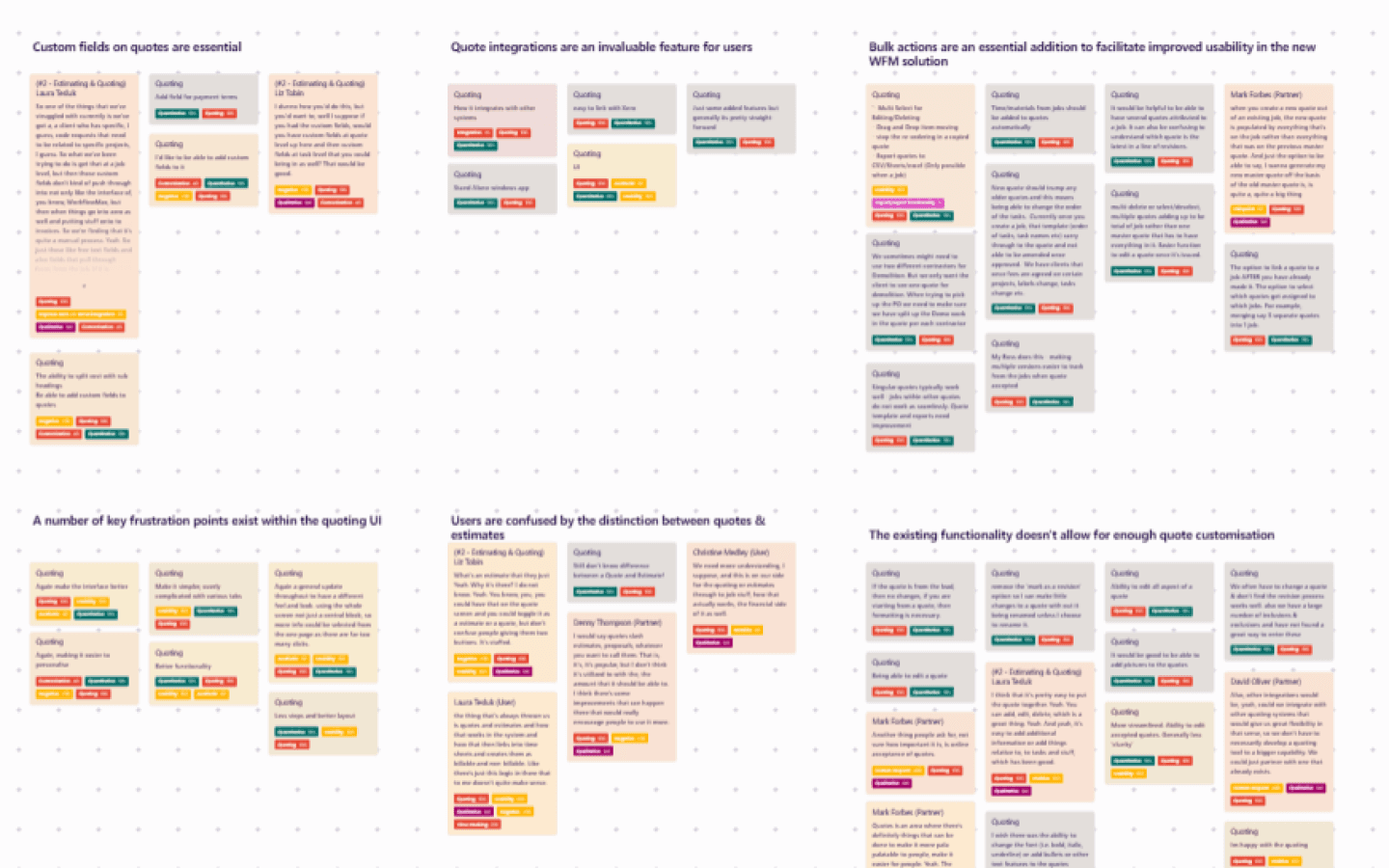
The outputs from these interviews were affinity mapped in Dovetail, with a tagging taxonomy being built for use in future design sprints.
User feedback sessions on the existing solution were completed via video call
The qualitative feedback was supplemented by more quantitative context. This consisted of existing platform usage data, user surveys and feature requests captured via UserVoice.
Alongside user research, key competitors were benchmarked. I analysed information architecture, user flows and UI designs to help understand what 'best-in-class' looked like.
The research interviews and competitor benchmarking activities were summarised and presented to the wider set of stakeholders in a number of collaborative workshops. These sessions aimed to identify core usability problems to be addressed as part of the design stage and new features to be added to the product backlog.
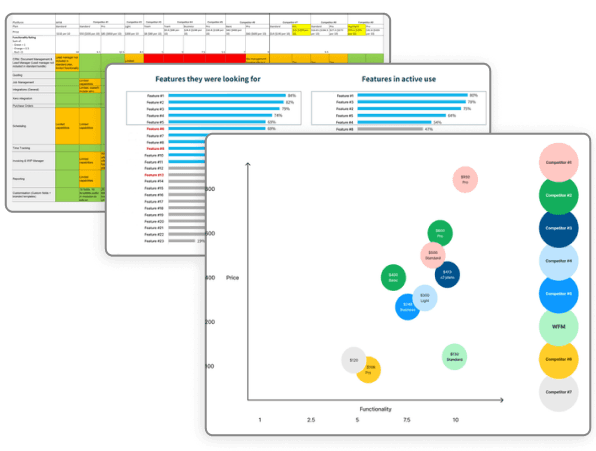
Other artefacts: Competitor feature matrix, product usage data & competitive landscape analysis
Research key themes and findings
The integration to the Xero accounting software was a crucial factor in a user's decision to utilise WorkflowMax for job management
The current UI was clunky and difficult to use, a key frustration was the number of clicks and screens users had to navigate through to complete relatively simple tasks
Data tables were far too static and lacked more contemporary usability features compared to competitors, particularly when managing large datasets
Users were left frustrated when some areas of the interface were filled with static dashboard-style information, taking up valuable space which could be better utilised for more relevant job data
I used the outputs from the research process to develop user flows and wireframe sketches for core product functions. These were shared with the wider stakeholder group for feedback and iteration.
Once the sketches were approved, we began on high-fidelity UI designs which were built from components within the WorkflowMax design system, which was continually iterated and updated throughout the project. Given the time constraints of the project, I elected not to build the design system from scratch. An evaluation process led us to Untitled UI, which had the scale, flexibility and data-heavy components we'd need for WorkflowMax.
Based on the summarised user feedback in the section above, some key design choices were established within the first couple of design sprints.
Design choices informed by key research themes
Screen consolidation and modal use
Where possible, consolidate information onto one screen to reduce the number of clicks users had to navigate through to complete simple tasks. When completing smaller tasks or adding new information, modals should be used as an alternative to navigating users to a new screen.
Intuitive and layered navigation
Condense items into nested menus to ensure space within the interface is reserved for the most relevant content.
Supercharged tables
Data tables should have vastly improved sort and filter functionality and some customisation in terms of what data is displayed. Additionally, 'drag and drop' functionality should be added into data tables where possible for a smoother user experience.
Customisable reports
Live reporting and dashboards are of utmost importance, users should be able to customise interactive and highly visual reports with relatively low amounts of effort.
Each sprint, the designs went through a round of review and iteration that included the product and engineering teams before receiving sign-off from the head of product. The examples below demonstrate how key feedback themes were considered as part of the final designs.
Quotes dashboard
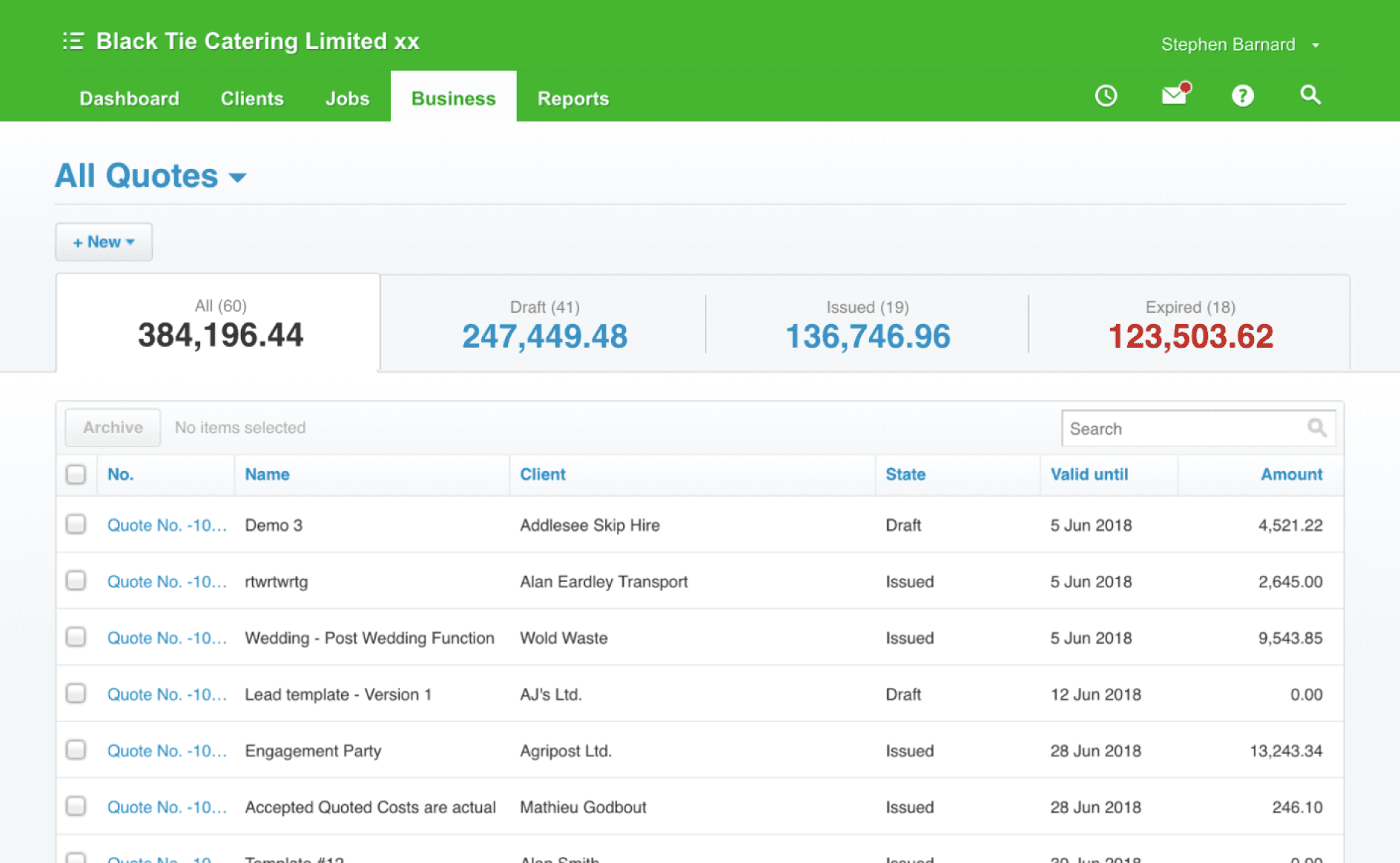
Before
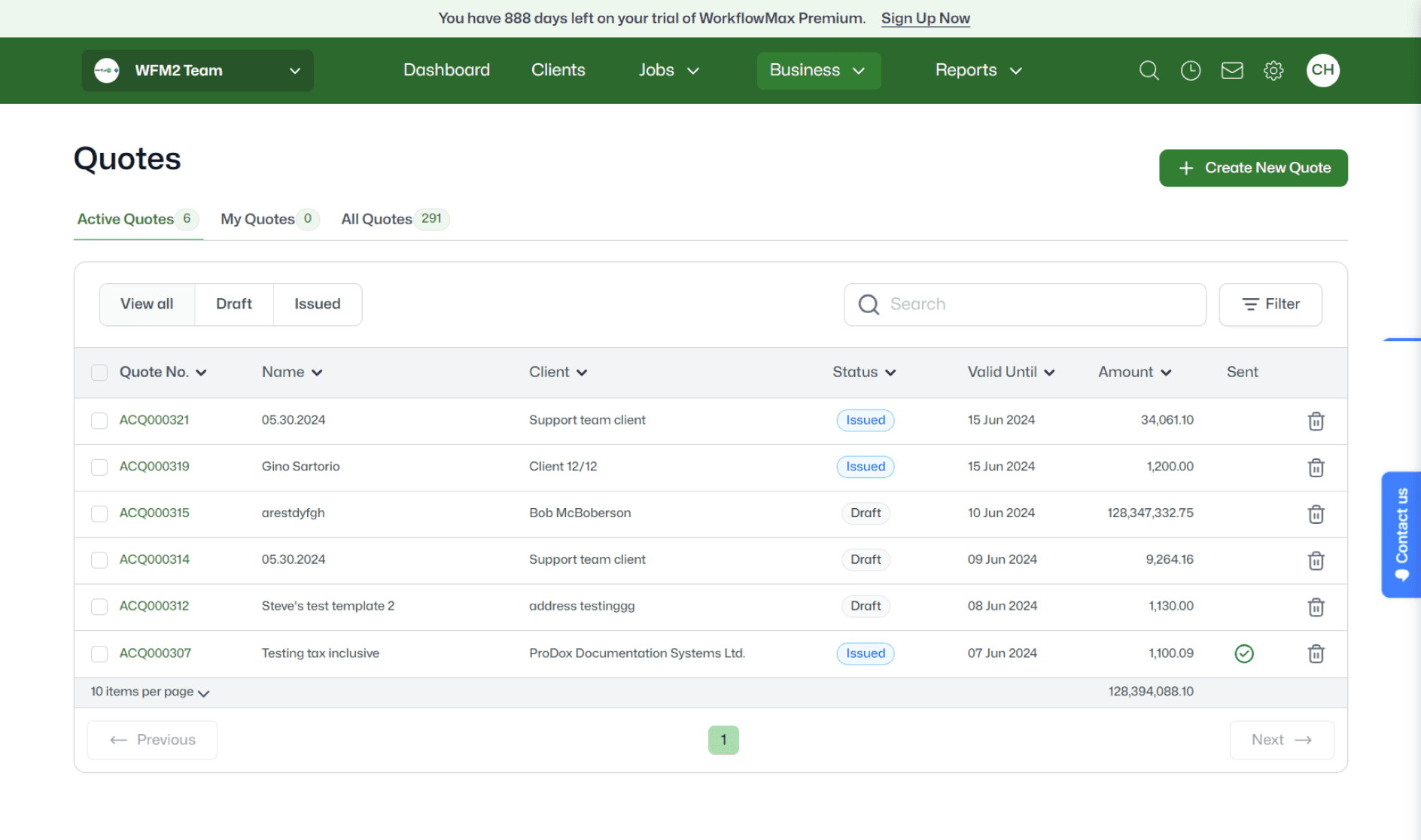
After - The newly supercharged data tables
Quotes builder
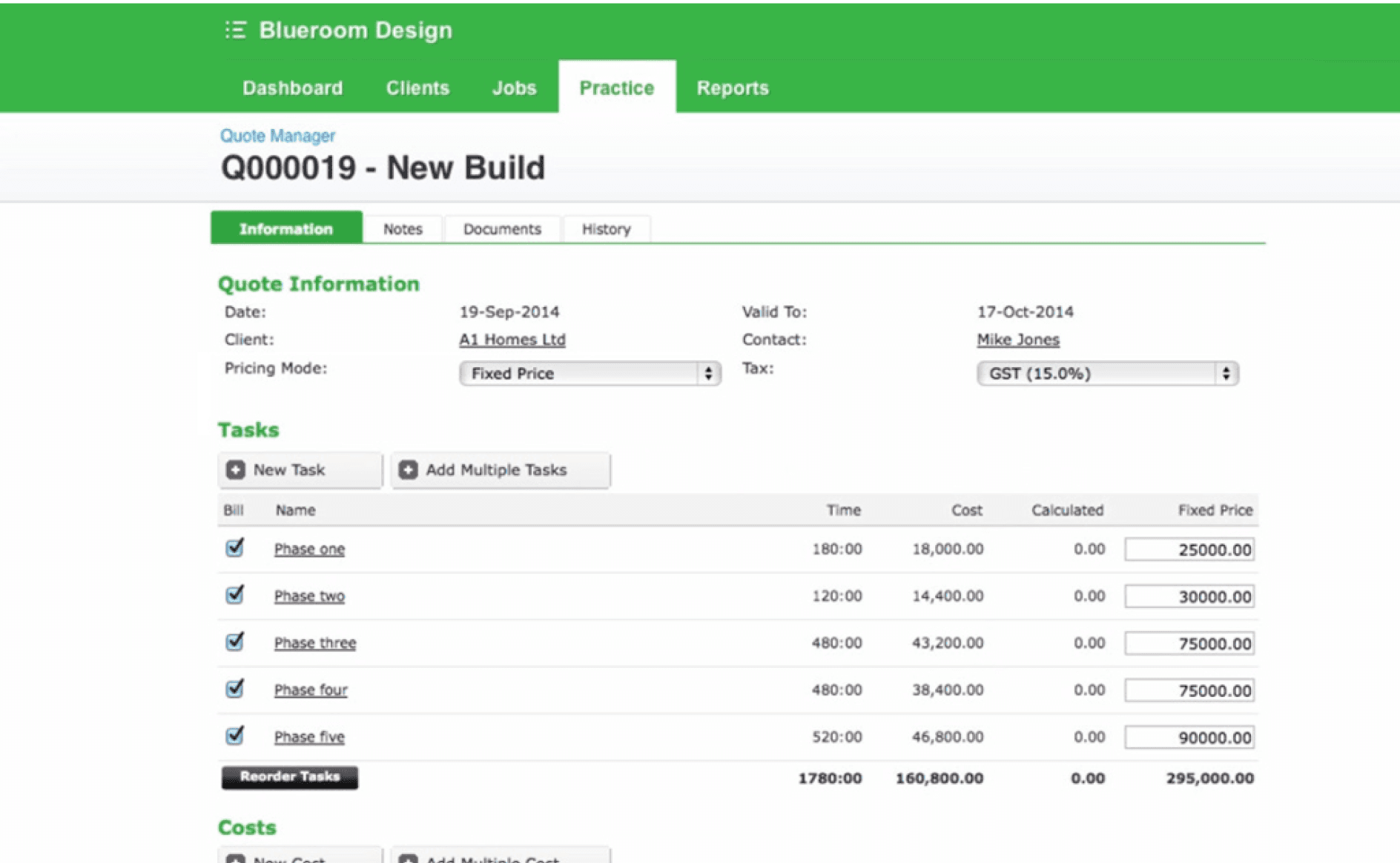
Before
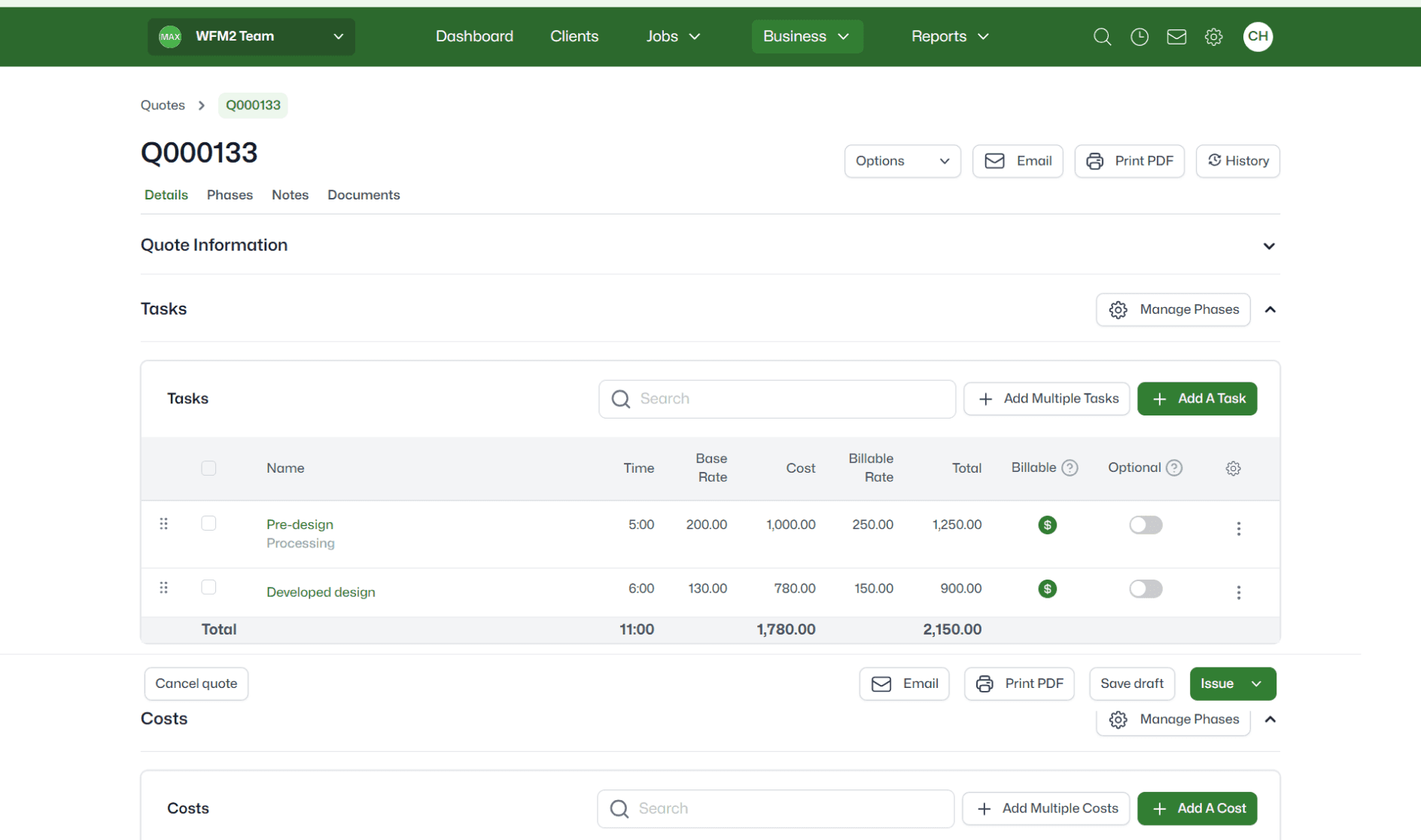
After - Consolidation of the quote builder

5,900 migrations to the new product - beating the goal by 18%
"It's much more streamlined, less clicking, less cluttered, it's far easier to use"
"Customers will not believe how great the software is looking, and how refreshingly easy it is to use"
